Probation Management in HRMS: How Peeplynx Confirms Employees on Time Without Manual Chasing
Learn how probation management in HRMS tracks end dates, starts evaluations on time, and issues confirmation or extension letters without HR chasing managers by email.
Every new hire starts with a probation period, and every probation period ends with a decision: confirm, extend, or part ways. In most organizations, that decision depends on someone remembering the date.
HR teams typically track probation in a spreadsheet, set calendar reminders, and send managers follow-up emails. It works until headcount grows, managers get busy, or the HR person who owns the tracker goes on leave. Then confirmations slip past the end date with no evaluation on record.
Probation management in HRMS removes that dependency on memory. The system calculates each employee's probation end date, starts the evaluation before the deadline, reminds the right people, and records the outcome with the correct letter. This article explains what that looks like in practice, why manual tracking breaks down, and how Peeplynx HRMS handles probation as part of the wider employee lifecycle management software journey.
Explore the Feature
Workforce Central
See how Peeplynx HRMS manages probation, tenure, and lifecycle settings for every employment type from one place.
What Is Probation Management in HRMS?
Probation management is the part of an HRMS that tracks an employee's probation period from joining date to final decision. It turns probation from a date in a contract into a managed process with owners, deadlines, and records.
A complete probation workflow covers four stages. Tracking calculates the probation end date from the joining date and the probation length set for that employment type. Evaluation starts a review task for the reporting manager before the end date, not after it. Decision records whether the employee is confirmed, extended, or separated, with who decided and when. Documentation issues the matching confirmation or extension letter and updates the employee record.
In a spreadsheet, each of those stages is a separate manual step. In an HRMS, they are connected, so completing one stage starts the next.
- Tracking — calculating the probation end date from the joining date and the probation length set for that employment type
- Evaluation — starting a review task for the reporting manager before the end date, not after it
- Decision — recording whether the employee is confirmed, extended, or separated, with who decided and when
- Documentation — issuing the matching confirmation or extension letter and updating the employee record
Why Manual Probation Tracking Breaks Down
Manual employee probation management fails for predictable reasons, not because HR teams are careless.
- The tracker lives with one person. When the owner is on leave or leaves the company, end dates go unwatched.
- Joining data changes after the fact. A corrected joining date or a mid-probation transfer rarely flows back into a separate spreadsheet.
- Different employees need different rules. Permanent and contract staff often have different probation lengths. One tracker with one formula gets this wrong.
- Managers respond late. An evaluation request sent by email on the last day gives a manager no time to assess fairly.
- Extensions are tracked informally. If an extension is agreed in a meeting but not recorded, the new end date exists nowhere.
- Letters are drafted from scratch. HR copies an old confirmation letter, edits names and dates, and risks sending the wrong details.
Key Capabilities to Look For
A well-designed probation feature replaces each manual step with a rule the system applies the same way every time.
- Probation length by employment type — separate probation periods for permanent and contract employees, so the end date is right for each hire
- Automatic end-date calculation — the end date is derived from the joining date and updates if the joining date is corrected
- Evaluation triggered before the deadline — a probation evaluation task is created a configured number of days before the end date, giving the manager time to assess
- Reminders that stop when the work is done — reminders repeat until the task is completed or the end date is reached
- Recorded outcomes — confirmation, extension, or separation is captured against the employee with the decision date and the person who made it
- Extensions that move the date everywhere — when probation is extended, the new end date shows in every list and task that references it
- Template-driven letters — confirmation and extension letters are generated from approved templates, with employee details filled in automatically
- Controlled access — probation outcomes are visible only to the roles that need them, consistent with role-based access control in HRMS
What Happens When Confirmations Slip Through
A missed probation end date is not just an admin delay. In some jurisdictions, the employee's legal position changes as soon as probation ends, whether or not anyone reviewed them.
Termination rules can tighten. In the US state of Montana, for example, dismissing an employee without good cause after they have completed the employer's probationary period counts as wrongful discharge (Montana Code 39-2-904).
Extensions may no longer be possible. Where the law caps probation, such as six months in the UAE and, as a general rule, in the EU, an extension agreed after the limit may not be valid.
Notice terms change. In the UAE, an employer may end employment during probation with 14 days' written notice. Once probation ends, that shorter route no longer applies.
Good employees are left uncertain. A strong hire who hears nothing about confirmation may read the silence as doubt, which hurts early engagement.
Audit trails are incomplete. Without a recorded evaluation, HR cannot show why a confirmation or separation decision was made.
The cost of a missed date is rarely visible on the day. It shows up months later in a performance issue, a dispute, or an attrition number.
Automated Probation Management vs. Spreadsheets and Reminders
Spreadsheets and calendar reminders can track dates. An automated probation workflow tracks the process around the dates.
- End date — spreadsheets use typed or formula values that break when joining data changes; an HRMS calculates from the joining date and employment type and updates automatically
- Evaluation start — spreadsheets depend on HR noticing the date; an HRMS creates a task a set number of days before the end date
- Follow-up — spreadsheets rely on manual emails to managers; an HRMS sends scheduled reminders that stop when the task is done
- Extensions — spreadsheets capture agreements verbally or by email while the tracker may stay stale; an HRMS records once and shows the new end date everywhere
- Letters — spreadsheets mean copying an old document and editing; an HRMS generates from approved templates
- Audit trail — spreadsheets scatter evidence across inboxes and file versions; an HRMS stores decision, date, and decision-maker on the employee record
- Scale — spreadsheets work for a handful of hires; an HRMS applies the same effort for ten hires or a thousand
Benefits Across the Employee Lifecycle
Probation sits between onboarding and long-term performance, so getting it right affects both. It is one of the first checkpoints in employee lifecycle management, and it sets the tone for everything after it.
- Onboarding — new hires know their probation length and end date from day one, which sets clear expectations
- Early performance — managers evaluate against what was agreed at joining, instead of recalling the last few weeks. The probation evaluation becomes a natural first input into ongoing performance management
- Confirmation — confirmed employees receive their letter on time, which signals that the organization keeps its commitments
- Extension — employees who need more time get a documented extension with a clear new end date, rather than an open-ended wait
- Separation — if probation does not work out, the decision is made within probation terms and backed by a recorded evaluation
- HR operations — HR stops maintaining a parallel tracker and spends that time on the evaluations that need attention, similar to gains from broader HR automation software
Probation Requirements Across Countries and Industries
Probation rules differ by country, and the differences decide how strict your probation period tracking needs to be.
Disclaimer: The summaries below are for planning purposes, not legal advice. Employment law changes often and varies by jurisdiction, contract type, and sector. Confirm current rules with local counsel before configuring probation policy.
- UAE — Up to 6 months; an employee cannot be placed on probation more than once with the same employer. During probation, the employer may terminate with 14 days' written notice. Finish the evaluation well before the 6-month mark, allowing for notice.
- Saudi Arabia — Up to 180 days as stated in the employment contract under Article 53 of the Labour Law (as amended, effective February 2025). The configured period must match the contract and stay within 180 days.
- European Union — Member states must ensure probation does not exceed 6 months, with limited exceptions; fixed-term probation must be proportionate to the contract (Directive (EU) 2019/1152, Article 8). Check each country's national rule, then configure per entity.
- United Kingdom — No statutory maximum, but the written statement of employment particulars must state any probationary period, its conditions and duration (Employment Rights Act 1996, section 1). Keep the configured period aligned with each employee's written statement.
- United States — No federal probation rule; employment is generally at-will. Montana is an exception: after the employer's probationary period, dismissal requires good cause (Montana Code 39-2-904). Track state-specific rules and keep evaluation records for any dispute.
- India — No single national cap; probation is usually set by appointment letters and company policy. Standing orders, where they apply, are governed by the Industrial Relations Code, 2020. Policies vary by entity and state, so each needs its own configurable period.
Industry Considerations for Probation Workflows
Industry also shapes how probation is run. Explore how Peeplynx adapts across Industries.
- HRMS for Healthcare — clinical staff may need credential or competency sign-off before confirmation, so evaluation tasks must reach the right clinical lead
- HRMS for Manufacturing & Retail — hires spread across plants and stores mean probation decisions sit with site supervisors who rarely use HR tools daily, so reminders matter
- HRMS for IT and Technology — batch hiring, such as campus intakes, creates dozens of probation end dates in the same week
- HRMS for Education Sector — academic staff often join at term start, so probation end dates cluster around the academic calendar
- HRMS for Enterprises & Corporates — multiple legal entities and employment types each need their own probation rules within one system
How to Evaluate Probation Management in HRMS Platforms
When comparing HRMS software, ask vendors to show these in a live demo rather than describe them:
- Can probation length be set separately by employment type, such as permanent and contract?
- Is the end date calculated from the joining date, and does it update if that date is corrected?
- Can the evaluation task start a configurable number of days before the end date?
- Do reminders stop automatically once the task is completed?
- Can reminders escalate to another person if the first recipient does not act?
- When probation is extended, does the new date appear in every task list and report?
- Are confirmation and extension letters generated from templates you control, and sent to the employee automatically?
- Is every decision recorded with a date and decision-maker for audit?
- Can access to probation outcomes be restricted by role?
- Can different countries or entities run different probation rules in one tenant?
How Probation Management Works in Peeplynx HRMS
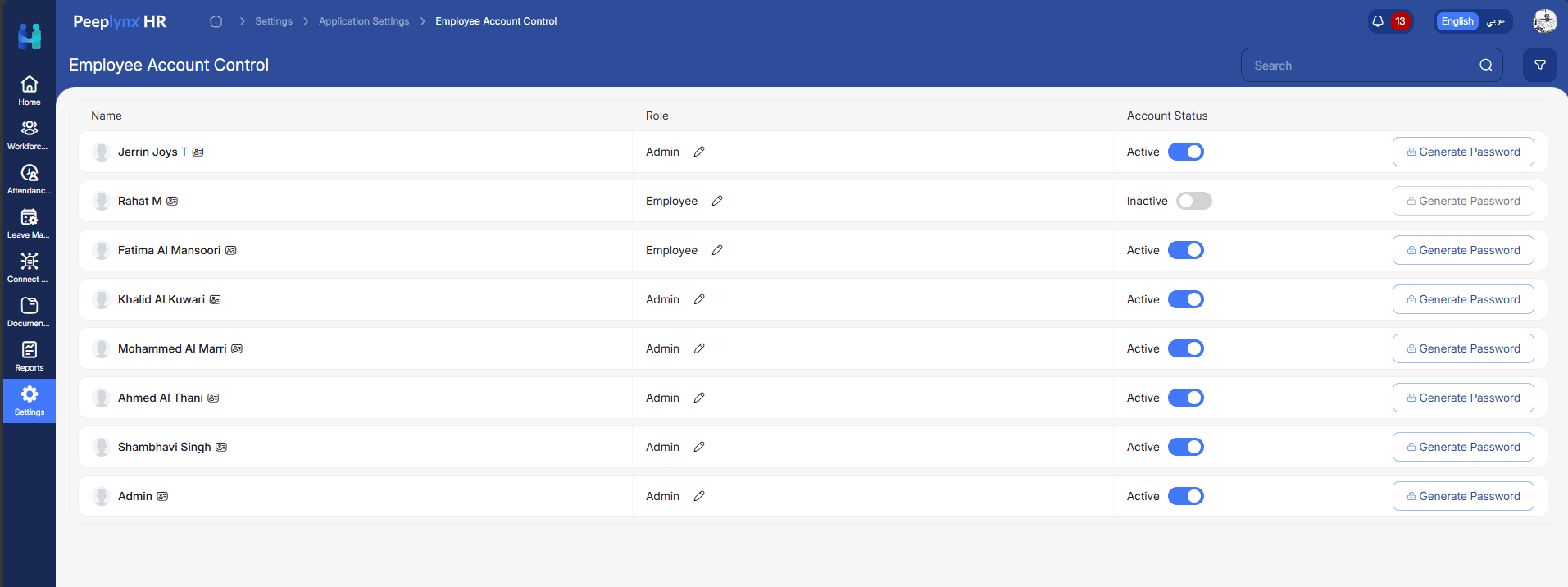
In Peeplynx, the probation management feature sits inside Workforce Central rather than in a separate tracker.
One list shows everyone on probation. The Probationary Employees page lists each employee's entity, designation, employment type, and probation end date.
Tenure settings by employment type let HR set probation and notice periods separately for permanent and contract employees.
Probation tasks are created on schedule — triggered a configured number of days before each employee's probation end date.
Tasks appear where HR already works. Probation tasks show alongside other HR tasks in Connect Desk, with the end date shown and updated whenever probation is extended.
Reminders follow clear stop rules: evaluation reminders run until the task is completed or the probation end date arrives.
Letters are generated and delivered with the outcome. HR selects confirmation and extension templates per employment type; when probation is confirmed or extended, Peeplynx generates the letter and sends it as an attachment with email and in-app notification.
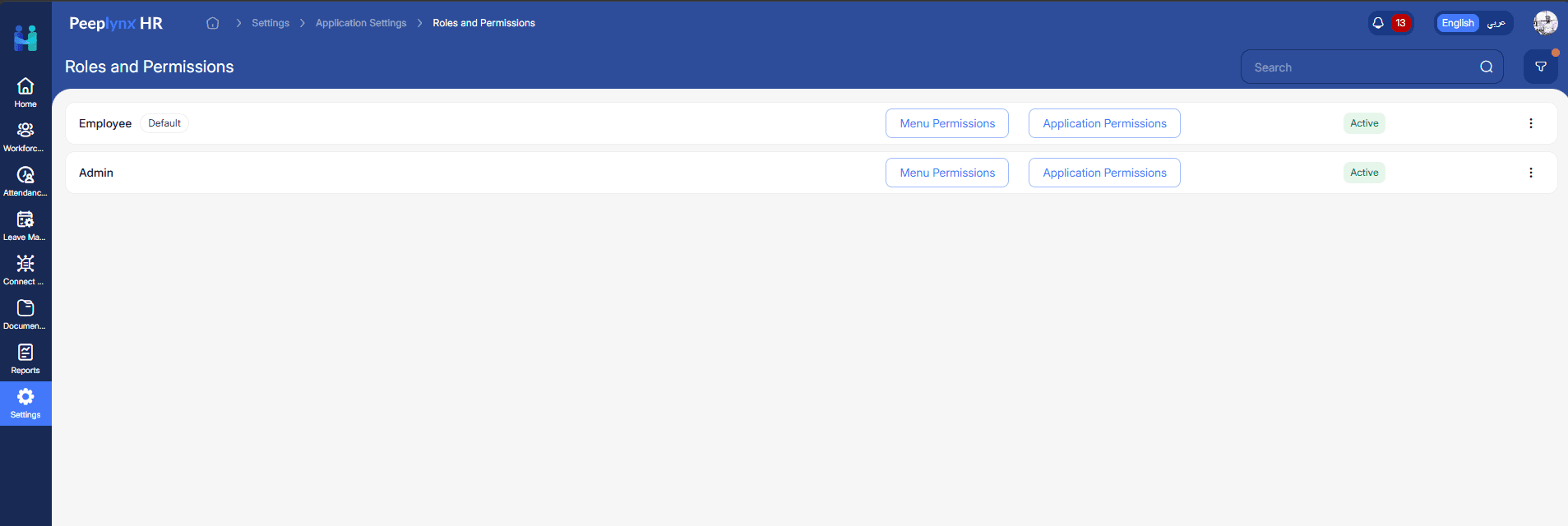
Role-based access control applies to probation data with the same page-level and action-level permissions as the rest of the platform.
A Practical Workflow Example in Peeplynx
Here is how a single probation runs end to end in Peeplynx:
- Setup — HR sets a 90-day probation period for permanent employees and configures the probation task to trigger 15 days before the end date
- Joining — a new permanent employee joins. Peeplynx calculates the probation end date from the joining date and adds the employee to the Probationary Employees page
- Evaluation — fifteen days before the end date, a probation task is created for the reporting manager, and reminders follow until the task is completed
- Extension — the manager's assessment recommends 30 more days. The extension is recorded, the new end date appears on the Probationary Employees page and in the task list, and the employee receives the extension letter as an attachment in email and in-app notification
- Confirmation — before the new end date, the manager completes the next evaluation. The employee is confirmed and receives the confirmation letter the same way
- At no point does HR maintain a spreadsheet, send a follow-up email, or draft a letter by hand
Frequently Asked Questions
What is probation management in HRMS?
It is an HRMS capability that tracks each employee's probation period, triggers evaluations before the end date, records the outcome, and issues the matching letter.
How is it different from tracking probation in a spreadsheet?
A spreadsheet stores dates. An HRMS acts on them by creating tasks, sending reminders, and updating records when a decision is made.
Can probation periods differ for permanent and contract employees?
Yes. You should be able to configure a separate probation length for each employment type in Workforce Central.
What happens if a manager does not complete the probation evaluation?
Reminders continue until the task is completed or the end date is reached, so the delay is visible rather than silent.
How are probation extensions handled?
The extension is recorded once and a new end date is set, which then appears wherever probation is tracked. In Peeplynx, if an extension template is configured, the employee's extension letter is generated and attached to the email and in-app notification.
Does automated probation tracking help with labor law compliance?
It helps you apply your configured rules consistently and keep an evidence trail. Your policies still need to reflect current local law.
Conclusion
Probation decisions are among the earliest and most consequential calls an organization makes about a new hire. Leaving them to spreadsheets and memory means some will be made by default.
Probation management in HRMS makes the decision deliberate. End dates are calculated, evaluations start on time, reminders follow up, and every outcome is documented with the right letter. For growing teams, that is the difference between confirming people on purpose and confirming them by accident.
Keep reading: Employee Lifecycle Management Software, Role-Based Access Control in HRMS, and Employee Attendance Management System in Modern HRMS Software. Ready to see it live? Book a demo of Peeplynx HRMS or review Pricing.
Keep Reading
Payroll
Manual Payroll: The Hidden Costs to Your Business
Manual payroll isn't free. Discover the hidden costs of manual payroll - time, errors, compliance risk - and how payroll software from Peeplynx HRMS fixes them.
Payroll
Payroll Software for Growing Businesses
Discover how payroll software for growing businesses scales with headcount, new locations, and complexity — and how Peeplynx HRMS grows with you.
Ready to see it in action?
See how Peeplynx simplifies HR for your team.
From attendance and leave to performance and service desk - explore the full platform in a live demo.